Admin Panel
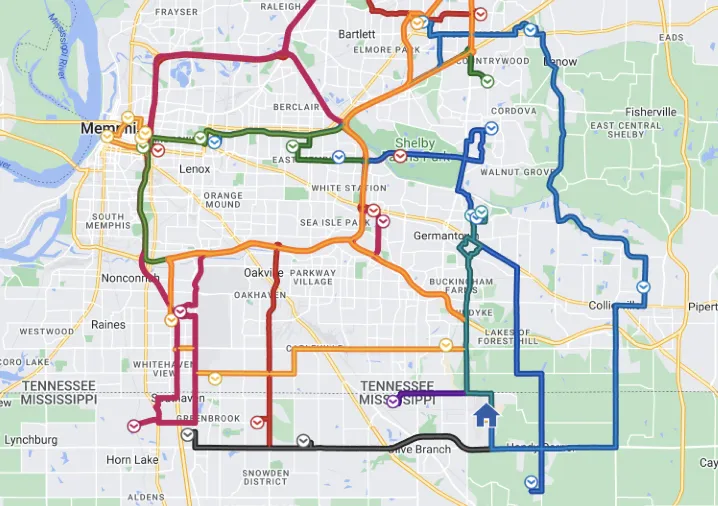
AI Route Optimisation
Our AI route optimisation technology transforms school bus logistics by intelligently designing the most efficient routes possible. Using advanced algorithms, it analyses variables such as student locations, traffic patterns, and time constraints to minimise travel time and fuel consumption. This not only reduces operational costs but also lowers environmental impact. By continuously learning and adapting to changing conditions, our AI ensures optimal routes that prioritise punctuality and student safety every day.
Manage your data
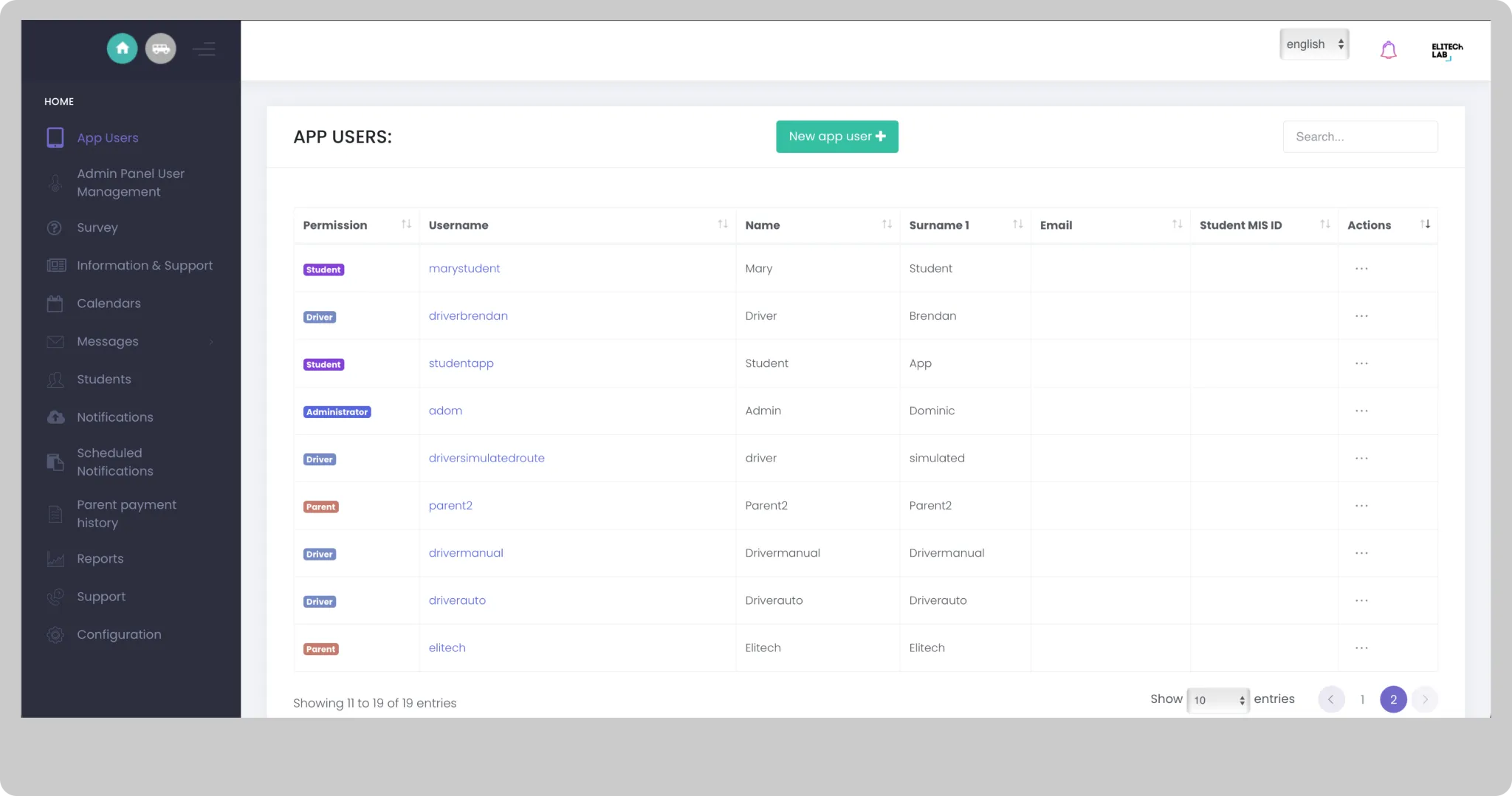
Application Users
You can manage all types of users who have access to applications. In this section you can view, create and edit driver, parent or student users.
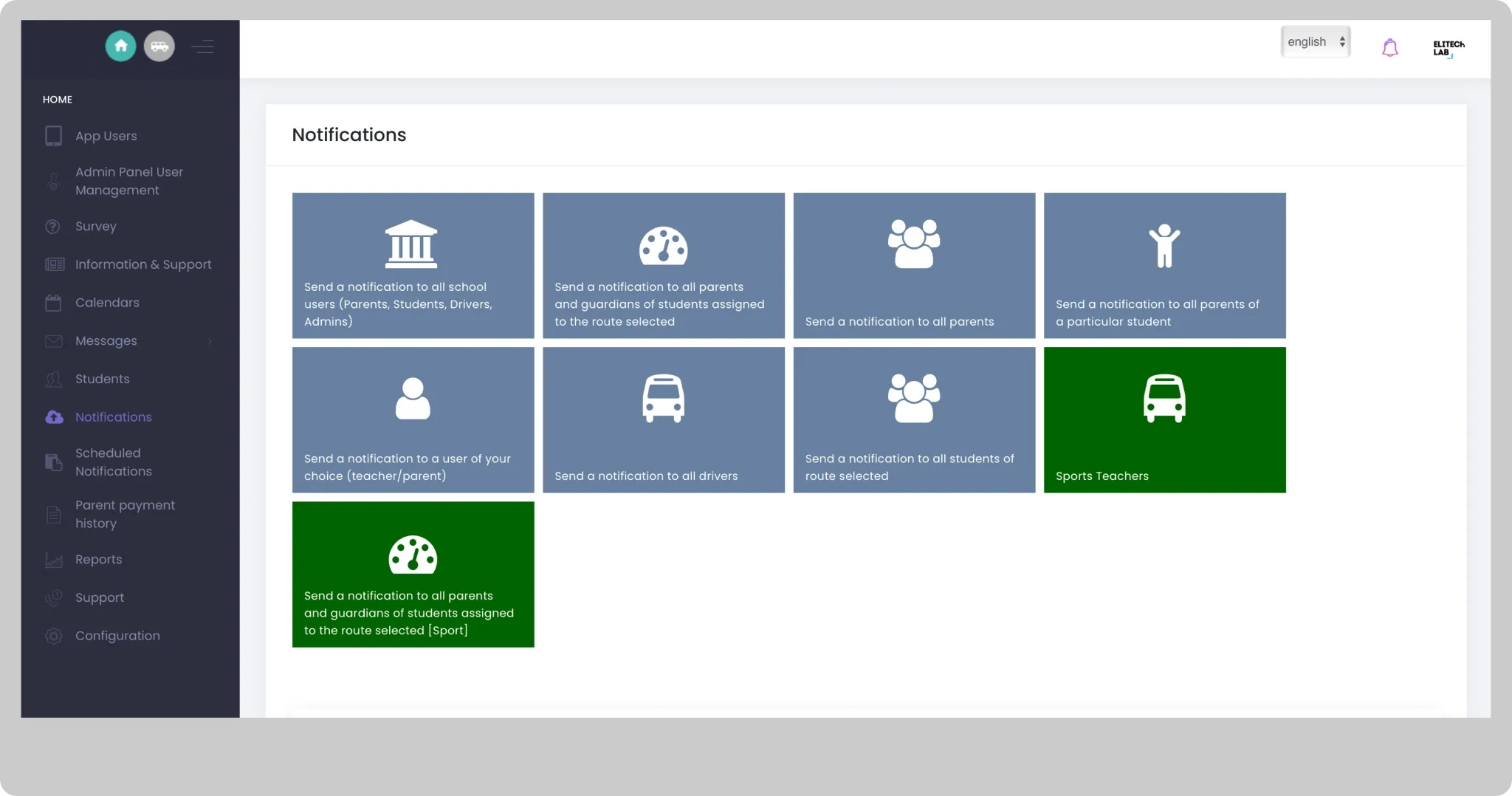
Send Push to the App Users
Push notifications dashboard
Manage your routes
Routes
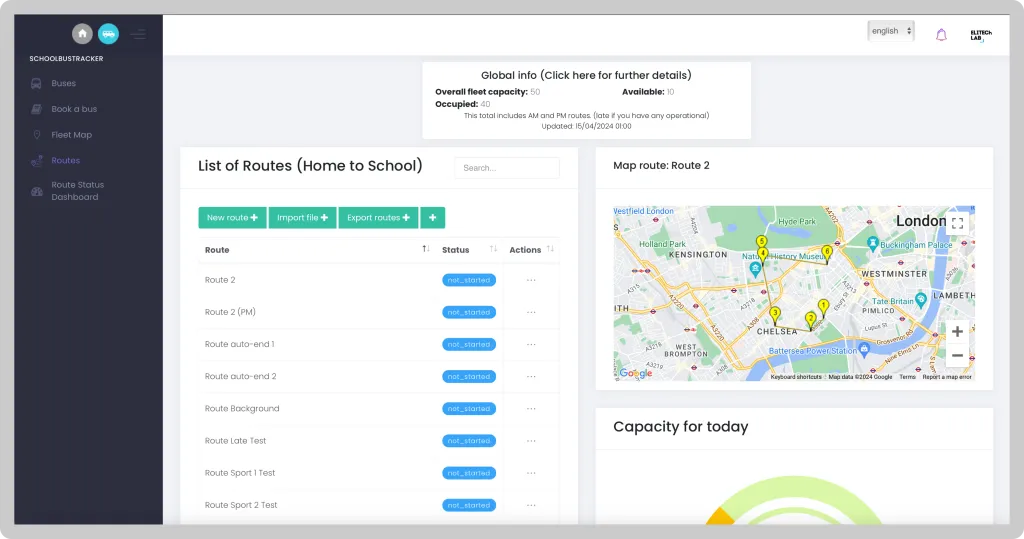
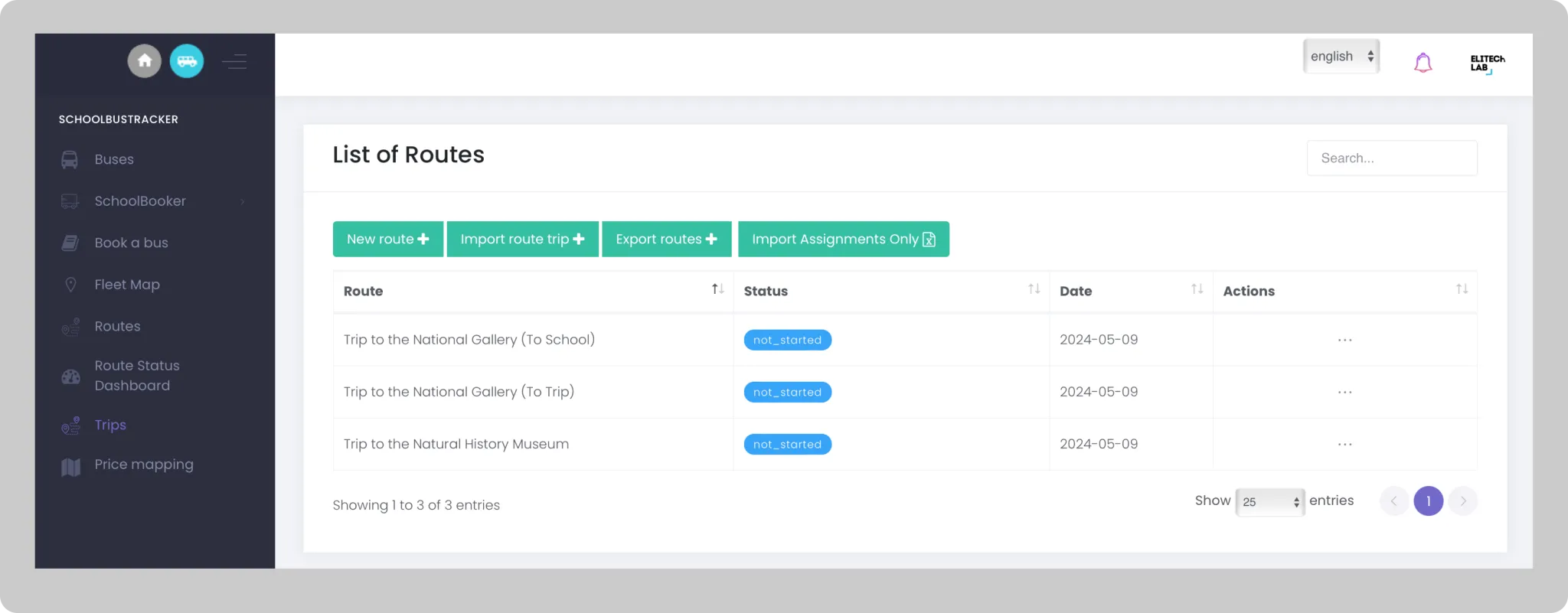
- Create, import or export your routes. Once created, you can preview or edit them.
- Create, modify or delete stops on each route.
Fleet tracking
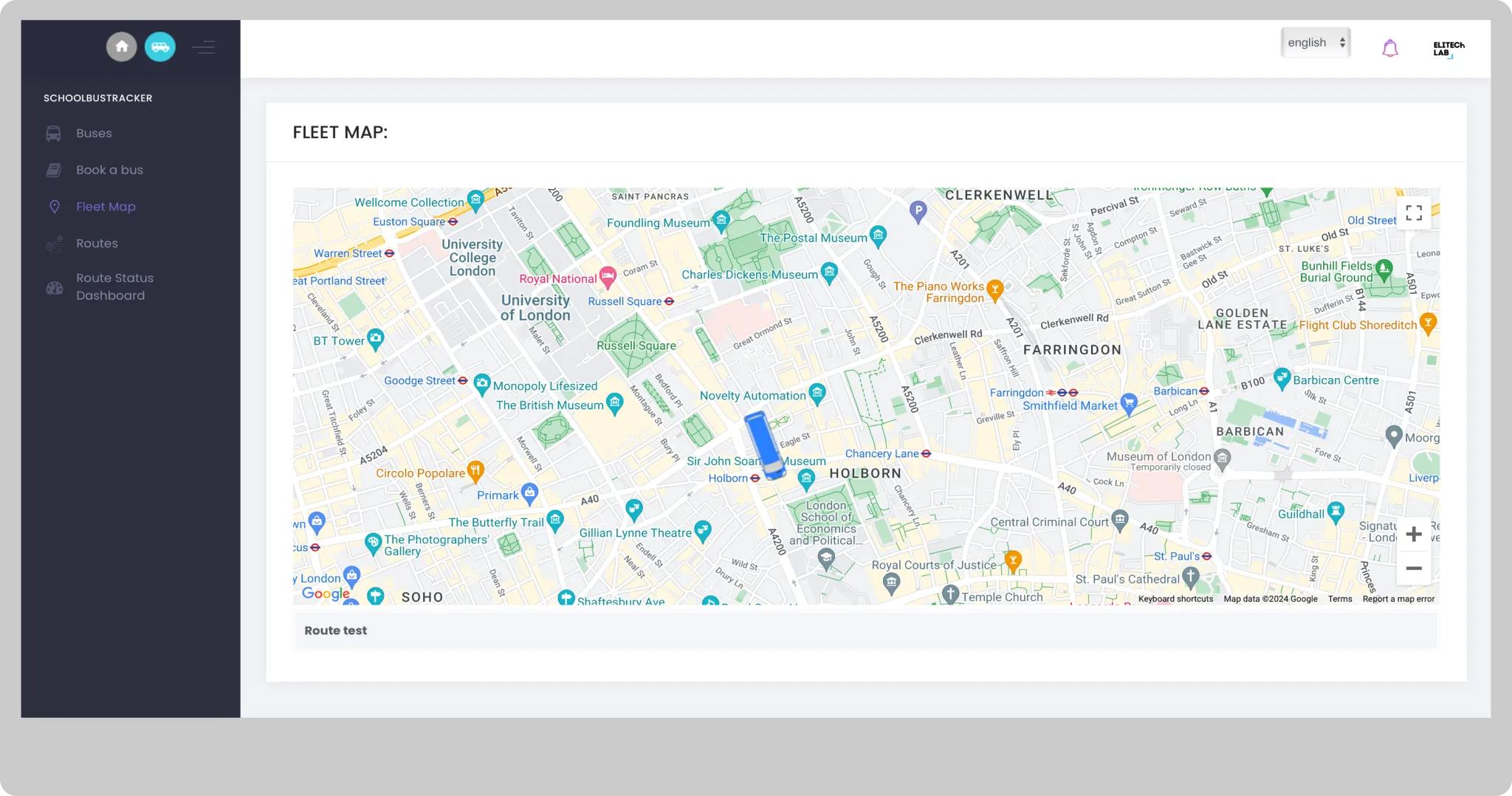
Generate a live passenger list and find out how many minutes left for a bus to arrive at the school.
Route Status Dashboard
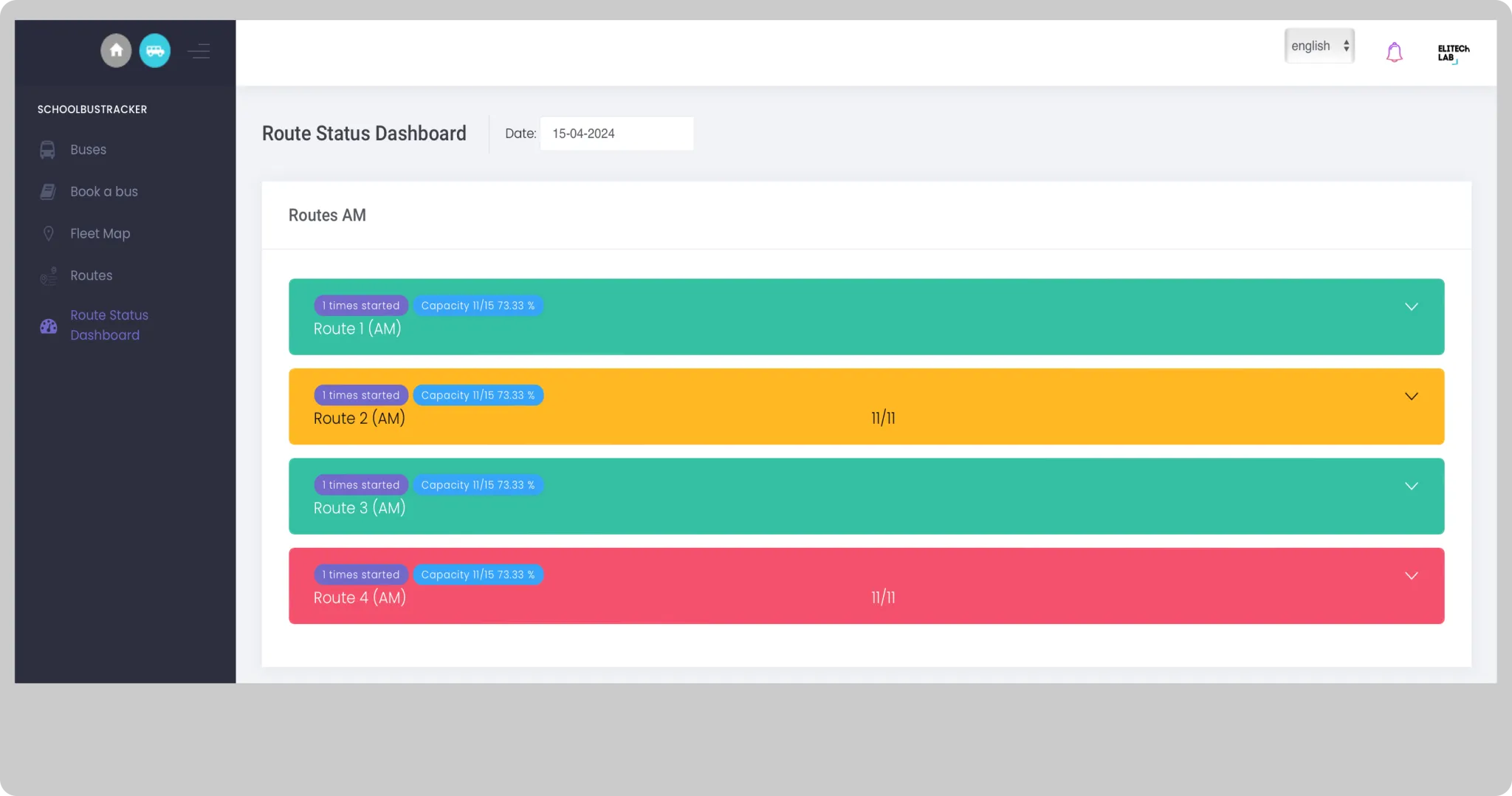
The Route status dashboard provides a traffic light display of each of your routes. It will help you to quickly identify how your routes have gone for the day once the bus has arrived at the destination (AM, PM and LATE routes). You can also check how your routes went for previous days.
Reports
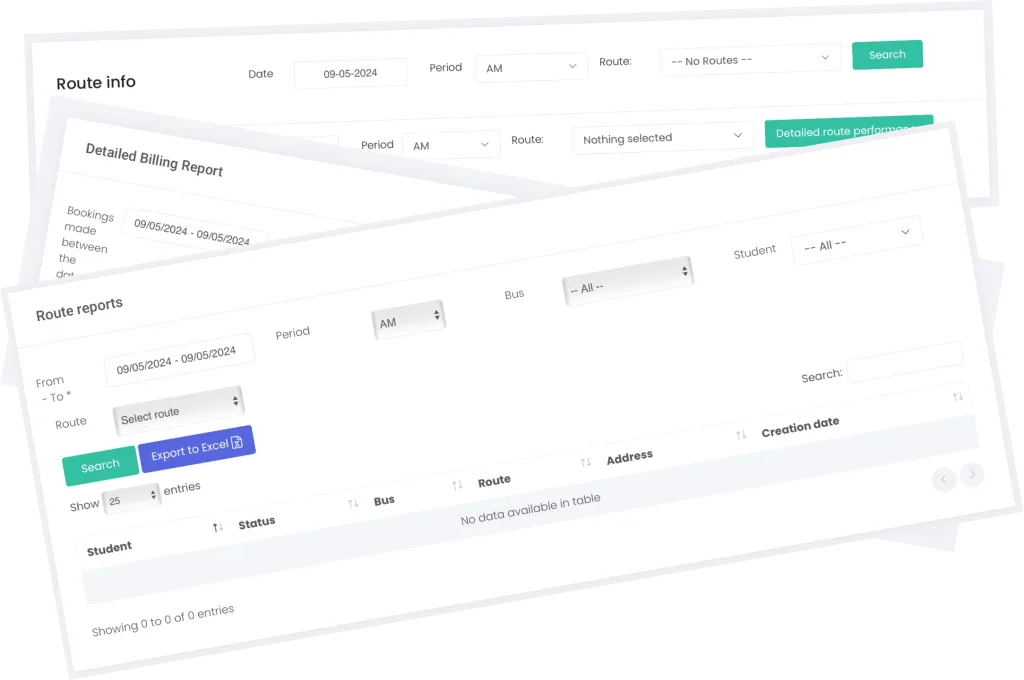
Detailed reports for billing, bookings and route analysis.
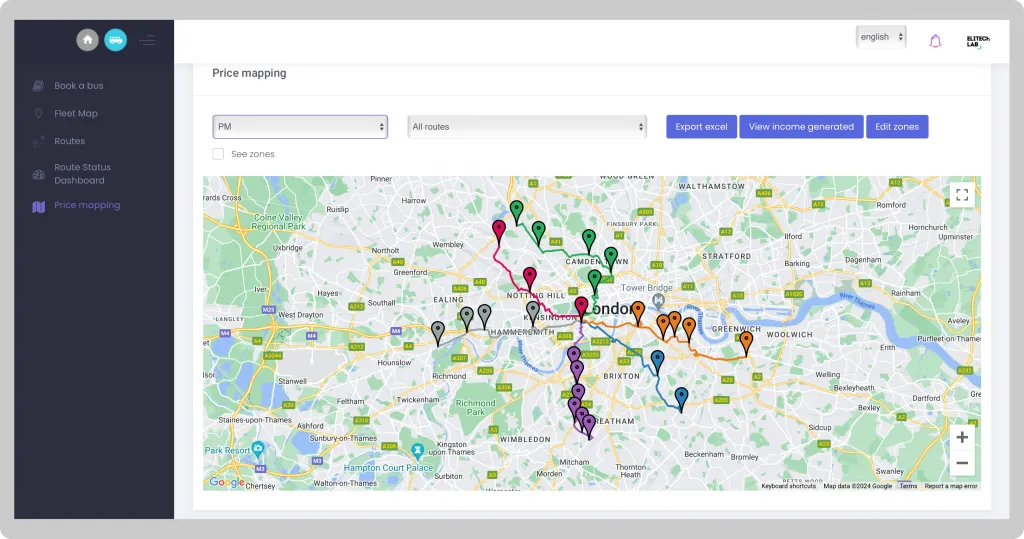
Price mapping
Helps you organise or replan your transport pricing structure by offering an intuitive map showing all your current routes and stops (in colour sequence), the distance of each stop to your school campus, stop price and number of students using a specific stop.